
How to Avoid a Facebook Marketplace Dealer Ban (And What to Do If It Happens)
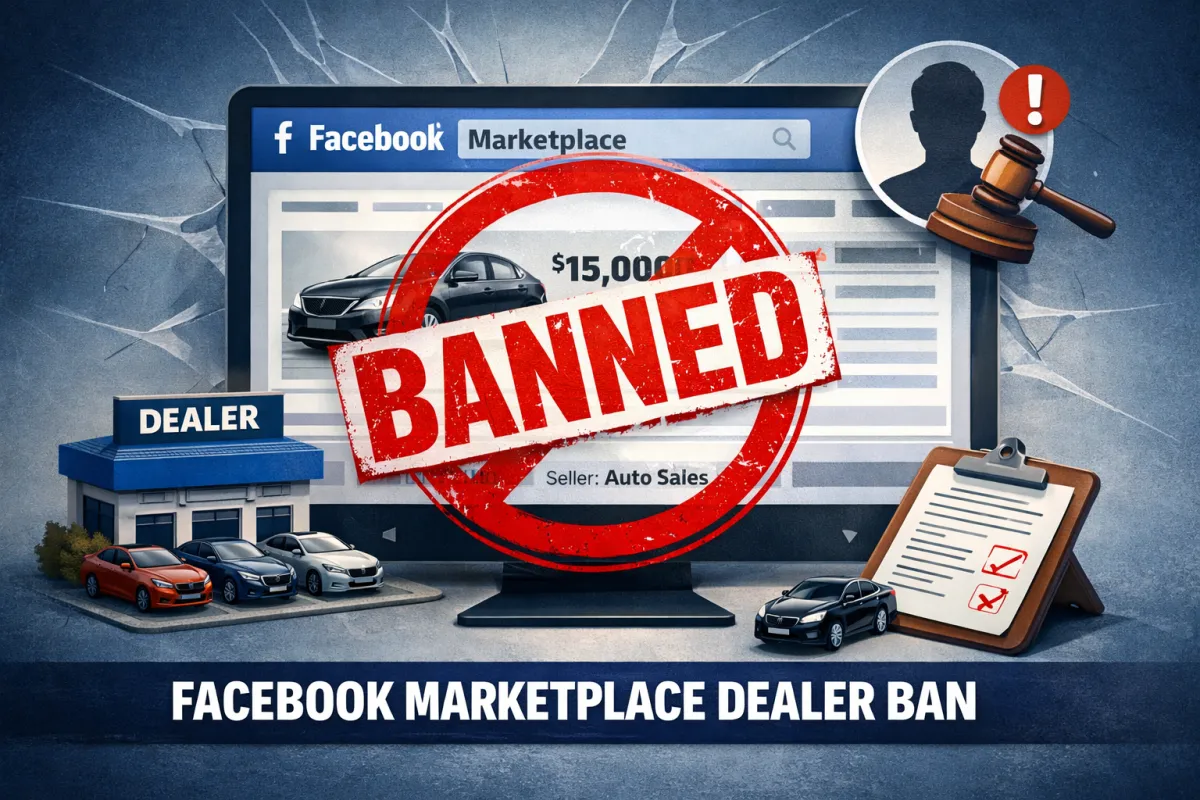

You wake up, grab your coffee, open Facebook—and discover your Marketplace access is gone.
No warning. No explanation. Just a message saying you can no longer buy or sell.
For dealers who depend on Facebook Marketplace to move inventory, a Facebook Marketplace dealer ban isn't just an inconvenience. It's a business emergency. Whether you're selling cars, RVs, mobile homes, furniture, or powersports equipment, losing access to 1.1 billion monthly Marketplace users can cost you thousands in lost sales.
The good news? Most bans are preventable. And if you do get hit, there's a path back.
This guide covers exactly why dealers get banned, how to stay compliant, and what to do if you find yourself locked out.
Why Facebook Marketplace Dealer Bans Happen
Meta doesn't ban accounts randomly. Every Facebook Marketplace dealer ban traces back to a policy violation—even if the dealer didn't realize they were breaking rules.
Here are the most common triggers:
Listing Prohibited Items
Facebook's Commerce Policies are strict about what can and cannot be sold. Obvious violations include weapons, drugs, and counterfeit goods. But dealers often get flagged for less obvious things.
A furniture dealer listing a vintage bar cart with "wine rack" in the description? Flagged for alcohol-related content. An RV dealer mentioning a built-in gun safe? Flagged for weapon references. A music store selling guitar amp tubes? Potentially flagged if the algorithm misreads the listing.
Meta's automated systems scan for keywords and images. They don't understand context. A dartboard with darts can trigger a weapons violation. A motorcycle helmet can be flagged as "safety equipment requiring authorization."
Posting Too Many Listings Too Fast
Dealers naturally have more inventory than individual sellers. But Facebook's systems are designed to catch spam, and high-volume posting looks like spam.
If you list 50 vehicles in an hour, Facebook's algorithm doesn't see a legitimate dealership. It sees suspicious activity. The same applies to RV lots, mobile home dealers, furniture stores—any business with large inventory.
This is one of the most common reasons for a Facebook Marketplace dealer ban, and it's entirely preventable with proper pacing.
Using Fake or Multiple Accounts
Here's where many dealers get into serious trouble.
Some marketing agencies promise to post your inventory to Marketplace using "special software." What they're actually doing is creating dummy Facebook accounts to post on your behalf. This directly violates Meta's Community Standards, which require one person to have one authentic account.
When Facebook discovers these fake accounts (and they will), the consequences cascade. The dummy accounts get banned. Your business page gets flagged. Your personal account—the one tied to everything—can lose Marketplace access permanently.
A Facebook Marketplace dealer ban triggered by fake accounts is extremely difficult to appeal because you've violated Meta's core authenticity standard.
Inaccurate or Misleading Listings
Vague descriptions, missing prices, stock photos instead of real images, or prices that don't match the actual vehicle—all of these can trigger violations.
Facebook wants Marketplace to feel trustworthy. Listings that look like bait-and-switch tactics get flagged, either by the algorithm or by users reporting them.
For dealers, this means every listing needs accurate information: real photos, correct pricing, honest condition descriptions. Cutting corners here creates risk.
Negative Buyer Feedback
If buyers report your listings as misleading, complain about no-shows, or flag your account for any reason, those reports accumulate. Enough negative feedback triggers a review, and reviews can lead to bans.
This matters for dealers because you're handling more transactions than typical sellers. Volume amplifies both positive and negative patterns.
How to Avoid a Facebook Marketplace Dealer Ban
Prevention is infinitely easier than recovery. Here's how to stay compliant:
Know What You Can't List
Before posting anything, review Meta's Commerce Policies. The prohibited items list includes obvious categories (weapons, drugs, animals) but also less intuitive ones like tobacco products, supplements making health claims, recalled items, and anything requiring a prescription or professional license.
For vehicle dealers specifically, avoid mentioning any accessories or features that could trigger keyword flags. Built-in safes, towing equipment for certain uses, or aftermarket modifications can all create problems depending on how they're described.
Pace Your Listings
Don't dump your entire inventory onto Marketplace in one session. Spread listings across multiple days. If you have 100 units to post, posting 10-15 per day looks natural. Posting 100 in an afternoon looks like spam.
This is where listing software becomes essential. The right tool helps you maintain consistent posting velocity without triggering spam filters—and without requiring your team to manually post hundreds of items.
Use Real Accounts Only
Every listing should come from a real person with a legitimate Facebook profile. No dummy accounts. No shared logins across multiple people. No "agency accounts" that aren't tied to actual employees.
If a marketing company offers to post your inventory using their own accounts or "special access," that's a red flag. The only compliant approach is posting from authentic accounts that belong to real people at your dealership.
Write Accurate Descriptions
Every listing should include:
- Real photos of the actual item (not stock images)
- Accurate pricing
- Honest condition descriptions
- Complete details (year, make, model, mileage for vehicles)
Vague listings like "Great car, won't last!" without specifics get flagged more often than detailed ones. More importantly, they generate buyer complaints when reality doesn't match expectations.
For guidance on writing descriptions that convert without triggering compliance issues, check out our post on how to write Facebook Marketplace car descriptions that convert.
Respond to Buyers Promptly
Slow response times lead to frustrated buyers. Frustrated buyers file reports. Reports lead to bans.
Facebook tracks your response rate and displays it publicly. Dealers with poor response metrics not only lose leads—they increase their compliance risk.
Monitor Your Account Quality
Facebook provides an Account Quality dashboard that shows warnings, violations, and restrictions. Check it regularly. If you see a warning, address it immediately before it escalates.
Most dealers don't know this dashboard exists until after they've been banned. By then, it's too late to fix the underlying issues proactively.
What to Do If You Get Banned
Despite your best efforts, a Facebook Marketplace dealer ban can still happen. Sometimes the algorithm makes mistakes. Sometimes an employee posts something that triggers a violation. Sometimes a competitor files false reports.
Here's how to respond:
Step 1: Identify Why You Were Banned
Check three places:
1. Email - Facebook usually sends a notification explaining the violation
2. Support Inbox - Go to Settings > Support Inbox for details
3. Account Quality - Navigate to your Account Quality dashboard
Understanding the specific reason helps you craft an effective appeal.
Step 2: Remove Problematic Content
If a specific listing triggered the ban, delete it. If you have other listings that might violate policies, remove those too. Cleaning up your account before appealing shows good faith.
Step 3: Submit an Appeal
Go to Facebook's Help Center and find the Marketplace appeal section. You'll typically find an option under "My Account is Restricted" or within the Account Quality dashboard.
When writing your appeal:
- Be specific about which violation you're addressing
- Explain why you believe the ban was a mistake (if applicable)
- Describe what steps you've taken to prevent future issues
- Keep it professional and concise
Don't submit multiple appeals. One well-written appeal is more effective than spamming the system.
Step 4: Wait (But Not Forever)
Appeal reviews typically take several days to a week. If you don't hear back within 7-10 days, you can try the "Report a Problem" feature in Facebook settings or reach out through Facebook Business Support if you have access.
Step 5: Verify Your Identity If Asked
Facebook may request identity verification to confirm you're a real person. Provide whatever documentation they request promptly.
If Your Appeal Fails
A denied appeal isn't necessarily the end. You can:
- Wait 30 days and submit another appeal with additional content
- Try reaching Facebook Business Support through different channels
- Review your account for any other potential violations you may have missed
However, if the ban was triggered by serious violations—fake accounts, repeated policy breaches, or confirmed fraud—recovery becomes very difficult. Some bans are permanent.
The Real Cost of Non-Compliance
A Facebook Marketplace dealer ban affects more than just Marketplace. Your dealership's Facebook page, ad accounts, and Instagram presence can all be impacted. Rebuilding from scratch means losing followers, reviews, and advertising history.
For dealers who've built their digital presence on Meta's platforms, one compliance failure can set you back years.
That's why prevention matters so much. Every shortcut—dummy accounts, spammy posting, misleading listings—creates risk that compounds over time.
Staying Compliant at Scale
The challenge for dealers is volume. You're not selling one car a month. You might have hundreds of units moving through inventory constantly.
Manual compliance is nearly impossible at that scale. You need systems that:
- Pace listings to avoid spam triggers
- Ensure descriptions meet policy requirements
- Post from legitimate accounts
- Track which items have been listed and where
This is exactly what Shiftly's dealer listing tool is built for. Whether you're running an auto dealership, RV lot, mobile home dealership, powersports shop, or furniture store, the platform helps you list inventory compliantly—without the manual work that leads to mistakes.
Play by the Rules, Win on Marketplace
A Facebook Marketplace dealer ban is serious, but it's usually avoidable. Know the rules, follow them consistently, and use tools that keep you compliant at scale.
If you do get banned, act quickly. Identify the issue, clean up your account, and submit a thoughtful appeal. Most temporary bans can be reversed with the right approach.
The dealers who win on Marketplace aren't the ones who cut corners. They're the ones who build sustainable systems that work within Meta's guidelines—and keep working month after month.
Ready to list inventory the right way? Schedule a demo to see how Shiftly helps dealers across industries stay compliant while moving more inventory.
Shiftly Auto Blog Articles






SCHEDULE TODAY
GET STARTED
Want to see a demo of our software or have questions about our service?
Fill out the form, and we will reach out to you!

Product
Shiftly Overview
Why Social Media
Contact
Privacy Policy.. Cancellation Policy Terms & Conditions
© 2025 Shiftly. All rights reserved

